minio编译
MinIo源码前后端编译
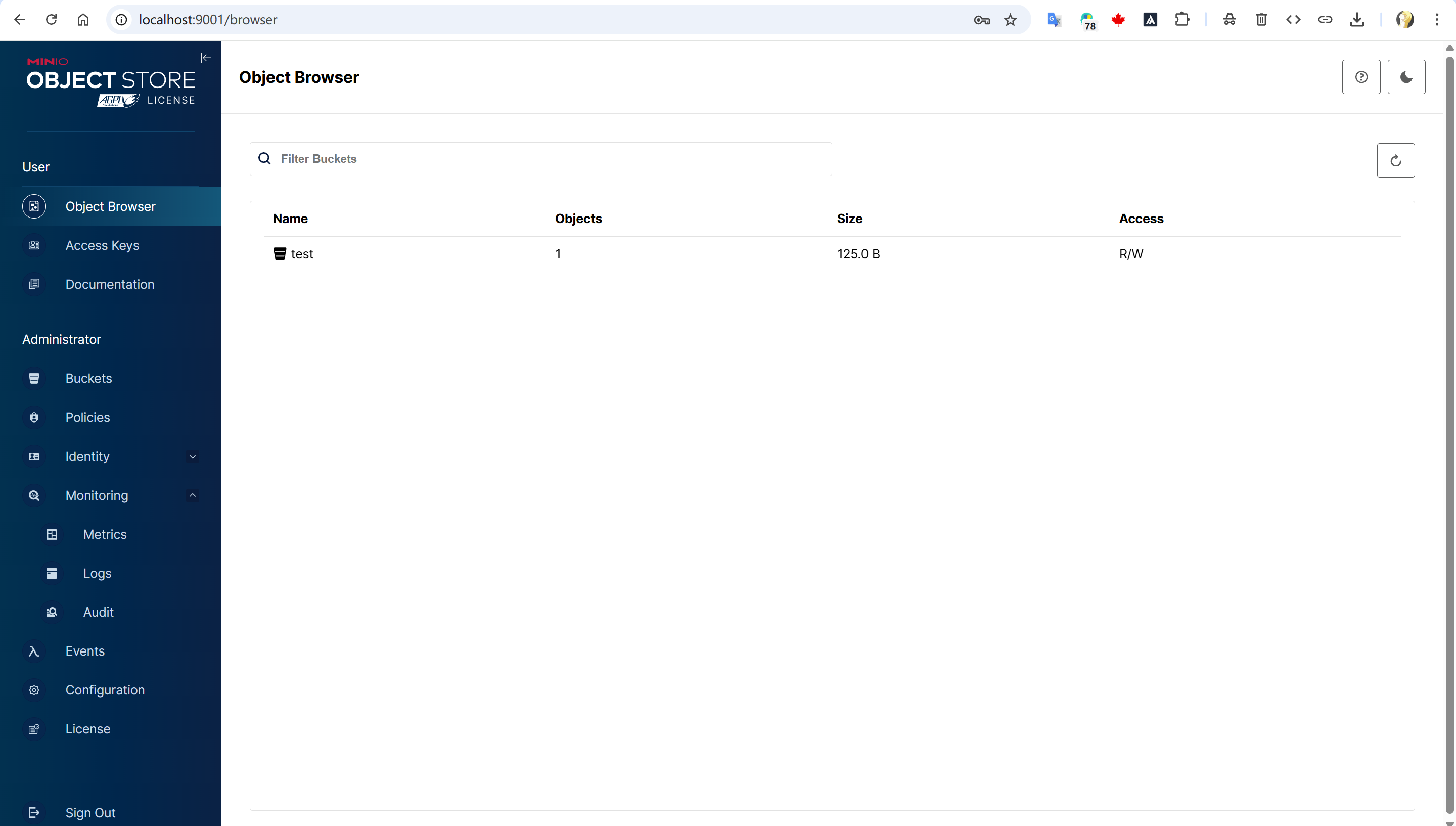
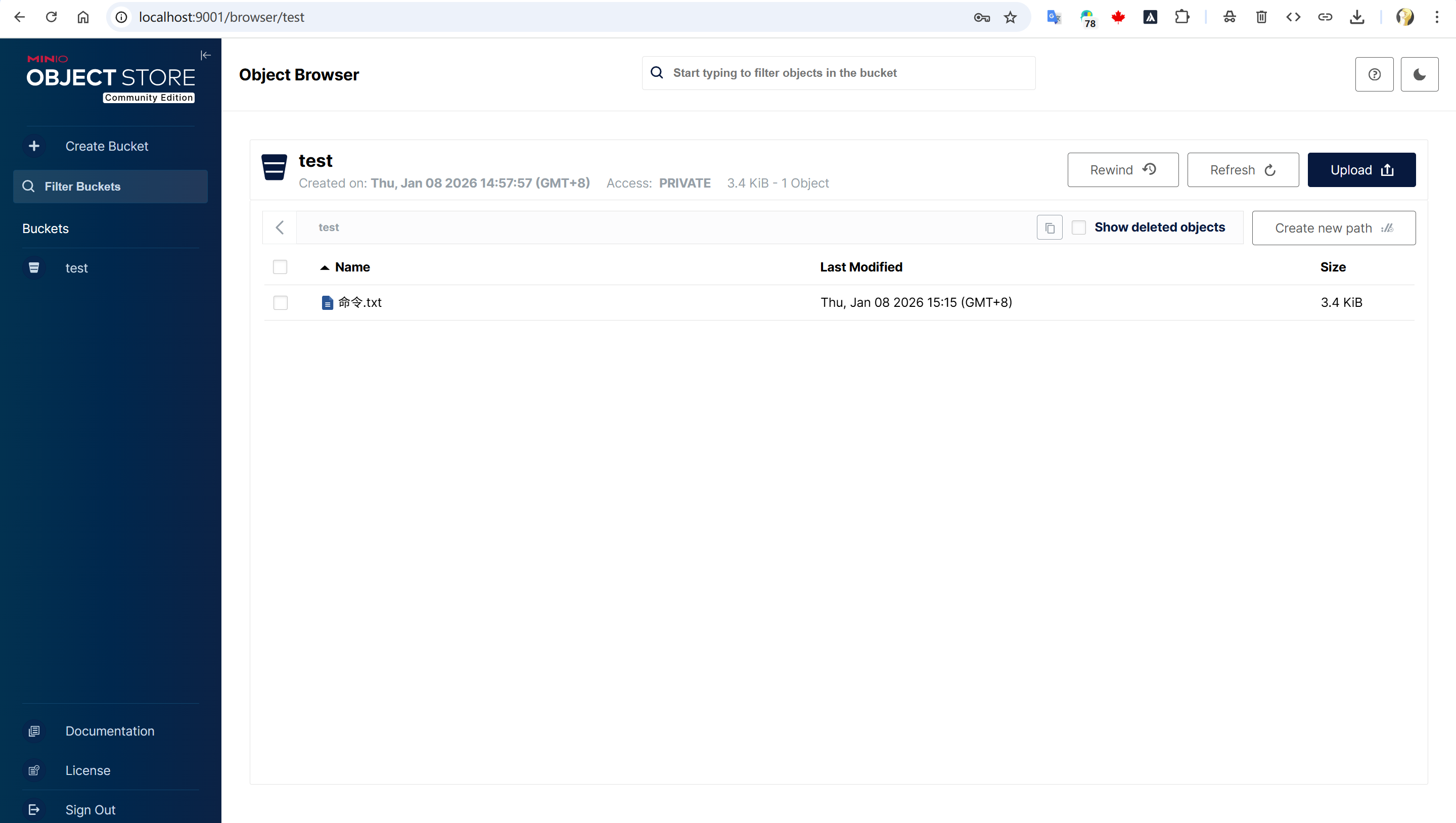
公司新的项目需要使用minio作为对象存储,但是minio新版阉割了很多UI
为了使用新版功能,以及旧版的前端更多功能,可以使用新版后端+旧版前端进行源码编译构建
下载Minio前后端源码
前端: https://github.com/minio/object-browser/tree/v1.7.6 (tag v1.7.6)
后端: https://github.com/minio/minio/tree/RELEASE.2025-10-15T17-29-55Z (tag RELEASE.2025-10-15T17-29-55Z)
minio-front-end
├── minio\                    # MinIO 主项目
│   ├── go.mod               # ✅ 添加:replace github.com/minio/console =>
│
└── console\                  # 本地 Console 项目(Git 仓库)
    ├── .git\                # Git 版本控制
    ├── go.mod
    ├── web-app\             # 前端项目
    │   ├── package.json
    │   ├── src\
    │   └── build\           # ✅ 编译后的前端文件(你生成的)
    │       ├── index.html
    │       ├── static\
    │       └── ...
    ├── api\                 # Go 后端 API
    │   └── server.go        # ✅ 包含 go:embed 代码,嵌入 web-app/build/*
    └── ...
构建容器
golang 1.24
node 18
Dockerfile
FROM  golang:1.24

# Set build arguments
ARG NODE_VERSION=18
ARG BUILD_VERSION
ARG BUILD_TIME

# Set environment variables
ENV DEBIAN_FRONTEND=noninteractive \
    GO111MODULE=on \
    CGO_ENABLED=0 \
    NODE_VERSION=${NODE_VERSION} \
    NVM_DIR=/root/.nvm

# Install system dependencies
RUN apt-get update && apt-get install -y --no-install-recommends \
    make \
    git \
    curl \
    wget \
    ca-certificates \
    build-essential \
    bash \
    && rm -rf /var/lib/apt/lists/*

# Install Node.js and npm using NodeSource repository (official way)
RUN curl -fsSL https://deb.nodesource.com/setup_${NODE_VERSION}.x | bash - \
    && apt-get install -y nodejs \
    && rm -rf /var/lib/apt/lists/*

# Verify Node.js and npm installation
RUN node --version && npm --version

# Enable Corepack for Yarn (as specified in package.json)
RUN corepack enable
#降级到1.2.22
RUN corepack prepare yarn@1.22.22 --activate

# Verify Yarn version
RUN yarn --version

RUN yarn add -D typescript@5.1.6

RUN yarn config set npmRegistryServer https://registry.npmmirror.com
RUN go env -w GOPROXY=https://goproxy.cn,direct

# Set working directory
WORKDIR /workspace

CMD ["/bin/bash"]
镜像构建
docker build -t go-124-node-18-env:1.0 .
运行容器
把前后端的目录映射进入容器
docker run -itd --name go-124-node-18-env -v /home/laihz/miniio/minio-front-end:/workspace go-124-node-18:1.0 tail -f /dev/null
进入容器
1.编译前端
# 静态资源前的预处理
cd console
go mod tidy
# 用于代码生成
go install github.com/go-swagger/go-swagger/cmd/swagger@latest
go generate ./...


# 编译前端
cd console
cd web-app && yarn install && yarn build
cd ..
git config --global --add safe.directory /workspace
make assets && make console
2.编译后端
cd minio
#原来后端是拉取远程仓库的前端进行构建,改为当前目录
go mod edit -replace github.com/minio/console=../console
或者go.mod手动修改 最后一行添加 replace github.com/minio/console => ../console

go mod tidy
go build -o minio
3.测试
./minio server /mnt/data --console-address ":9001"
运行时容器
从官方仓库的获得Dockerfile和docker-entrypoint.sh
Dockerfile
FROM minio/minio:RELEASE.2025-09-07T16-13-09Z-cpuv1


RUN chmod -R 777 /usr/bin

COPY ./minio /usr/bin/minio

COPY dockerscripts/docker-entrypoint.sh /usr/bin/docker-entrypoint.sh

RUN chmod +x /usr/bin/minio
RUN chmod +x /usr/bin/docker-entrypoint.sh

ENTRYPOINT ["/usr/bin/docker-entrypoint.sh"]

VOLUME ["/data"]

CMD ["minio"]
构建镜像
docker build -t minio:RELEASE.2025-04-22T22-12-26Z .
运行容器
docker run -itd --name minio -p 9000:9000 -p 9001:9001 -p 9090:9090 -v /common/install_gitlab/minio/data:/dataminio:RELEASE.2025-04-22T22-12-26Z server /tmp/minio --console-address :9001
访问
http://localhost:9001/