minio编译
MinIo 源码前后端本地启动联调
下载Minio前后端源码
环境
Windows11
node:v18.16.0
golang:1.24.4
前端: https://github.com/minio/object-browser/tree/v1.7.6 (tag v1.7.6)
后端: https://github.com/minio/minio/tree/RELEASE.2025-10-15T17-29-55Z (tag RELEASE.2025-10-15T17-29-55Z)
minio-front-end
├── minio\                    # MinIO 主项目
│   ├── go.mod               # ✅ 添加:replace github.com/minio/console =>
│
└── console\                  # 本地 Console 项目(Git 仓库)
    ├── .git\                # Git 版本控制
    ├── go.mod
    ├── web-app\             # 前端项目
    │   ├── package.json
    │   ├── src\
    │   └── build\           # ✅ 编译后的前端文件(你生成的)
    │       ├── index.html
    │       ├── static\
    │       └── ...
    ├── api\                 # Go 后端 API
    │   └── server.go        # ✅ 包含 go:embed 代码,嵌入 web-app/build/*
    └── ...
先编译前端,再运行后端,再运行前端
前端
console/web-app/package.json
修改成后端的启动地址
"proxy": "http://192.168.1.111:9001",
编译
#安装依赖
corepack enable
corepack prepare yarn@1.22.22 --activate
yarn add -D typescript@5.1.6
git config --global url."https://github.com/".insteadOf "ssh://git@github.com/"
yarn install
运行
#编译之后出现 build/index.html算成功
yarn build
#本地启动
yarn start
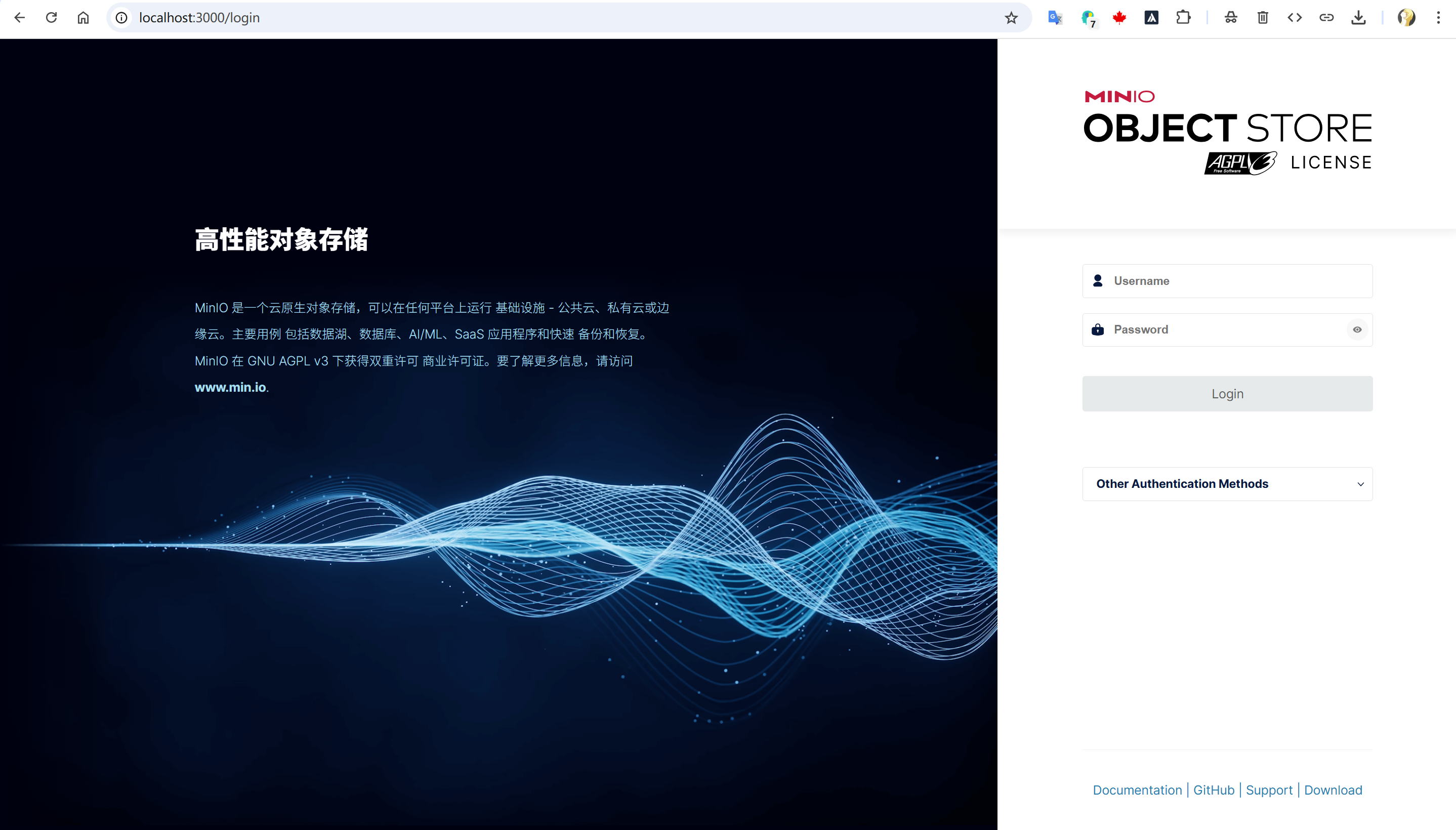
控制台输入 http://localhost:3000/
后端
goland 添加环境变量启动
server D:/minio-tmp --console-address ":9001"
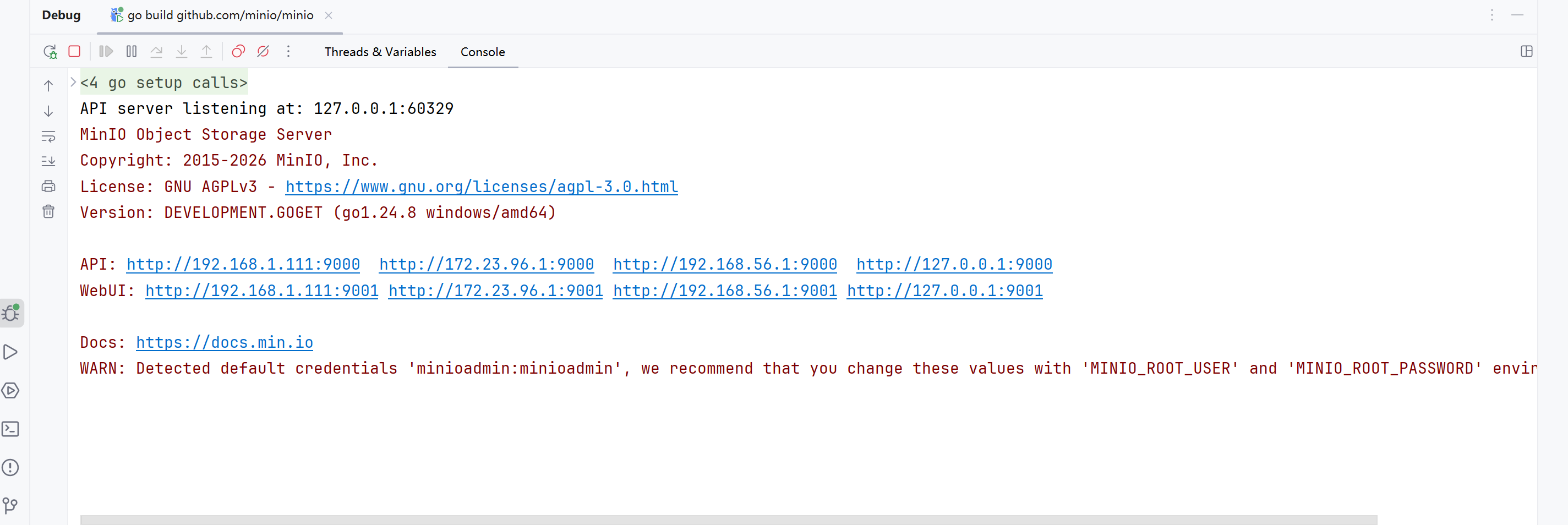
或者命令行启动
go run main.go server D:/minio-tmp --console-address ":9001"
后端会寻找到console/web-app/build,把前端自动的嵌入进来
控制台输入 http://localhost:9001/